Blog
The OCaml Planet RSS
Articles and videos contributed by both experts, companies and passionate developers from the OCaml community. From in-depth technical articles, project highlights, community news, or insights into Open Source projects, the OCaml Planet RSS feed aggregator has something for everyone.
Want your Blog Posts or Videos to Show Here?
To contribute a blog post, or add your RSS feed, check out the Contributing Guide on GitHub.
What is the OCaml ecosystem doing to make upgrading to the latest version of the language seamless? When the OCaml compiler receives a new update, it has the potential to have wide-ranging effects to the ecosystem of tools that surround it. In the past, users have hesitated to move forward with the latest release due to proper tooling support lagging behind. To improve the user experience and make transitions smoother, OCaml developers and maintainers agreed to work together to ensure that the core tools were always ready near release time. This effort is referred to as ‘OCaml Release Readiness’. It is a complex task spread across many actors in the ecosystem and supervised by Florian Angeletti (Inria) and Kate Deplaix (OCSF). In this post, we will give you a behind-the-scenes look at the work that goes into getting the OCaml ecosystem ‘release ready’. What are the ‘Core Tools’? There is no definitive rule for which tools are part of the release readiness effort, but, as a general guideline, it includes the kind of tools that provide key support in projects. If an update is incompatible with a core tool, it will be too disruptive for the user to migrate to the latest compiler version. Let’s look at the tools that are currently part of the release readiness cycle and what the maintainers do to get them up-to-date with new releases. Ppxlib Ppxlib is a library for building pre-processors in OCaml. Pre-processors are called at compile time and alter the program before compilation. They can perform a whole host of helpful functions, such as including a file, generating boilerplate, or extending the language. More or less half of the OCaml ecosystem depends (transitively) on Ppxlib. Internally, ppxlib has a copy of every abstract syntax tree (AST) of every supported compiler. Currently, that is every compiler version from 4.08 to 5.5. This is necessary because ppxlib has to migrate the ASTs of every user to a common AST (5.2 at the time of writing) to perform the pre-processing, and then migrate back to the AST of the user for the rest of the compilation process. For each new OCaml release, a new AST corresponding to the latest version is added to the migration chain, and transformations are written to and from that AST. If this AST includes new syntactic features or new representations of existing features, then the complexity of the task grows. The maintainers need to write encodings that preserve the new features and representations, particularly in the migrations to and from older ASTs. New Ppxlib releases are prepared by Nathan Rebours, via the OCaml Software Foundation (OCSF) and OCamlPro, and by Patrick Ferris at Tarides. Merlin Merlin is an editor service for OCaml that supports advanced IDE features. It is an analysis tool that provides semantic information about OCaml code, communicated to editors via a protocol such as LSP. A cornerstone of its architecture is the ability to recover from parsing and typing errors, so it can keep providing useful information on lines below the error rather than stopping. Achieving this requires patching large parts of the compiler's parser and typechecker in non-trivial ways, which makes upgrading Merlin's vendored parser and typer to each new compiler version a complex, time-consuming task. Several ongoing upstreaming efforts should make future updates much easier, like type-recovery which is scheduled to be upstreamed in the 5.6 version of the compiler, and the open proposal to upstream Merlin's new -short-paths implementation directly into the compiler as well, removing a long-standing source of drift between the two. The release readiness work for Merlin is undertaken by a team at Tarides. OCaml-LSP OCaml-LSP is the LSP frontend for Merlin. It has only minor dependencies on the compiler, so once Merlin's upgrade to a new OCaml version is done, upgrading OCaml-LSP is usually straightforward. The release readiness work for OCaml-LSP is done at Tarides. Dune Dune is a composable build system for OCaml. Its support for both monorepos and multi-package repositories has made it popular among OCaml developers. Its main branch tracks the latest compiler versions, and because it sits so early in the dependency graph, failures are quick to surface. In practice, the problems that come up are about compiling Dune itself with a newer compiler and not about the projects it builds. Strictly speaking this isn't even required, since a Dune binary built with an older compiler can still build projects with a newer one. But opam constrains a switch to a single compiler version for all packages in it, so in practice Dune has to stay compatible with the latest compiler releases. The release readiness work for Dune is done by a team at Tarides. OCamlFormat OCamlFormat parses and pretty-prints OCaml code. We need to update it every time new syntax is added to the language, which surprisingly happens in almost every OCaml minor release. OCamlFormat vendors two versions of the OCaml parser, so upgrading requires backporting patches with Git and resolving conflicts. We then update and test the printing code. The first parser is used purely for verification: OCamlformat parses the code before and after formatting, compares the two ASTs, and refuses to format if they diverge. The second parser is extended to keep more information about the concrete syntax. For example, these two snippets would have the same AST with OCaml's parser: [ 1; 2 ] and 1 :: 2 :: []. They are encoded differently with our extended parser. The release readiness work for OCamlFormat is done at Tarides. Odoc Odoc reads compiler-produced artifacts containing the abstract syntax tree of compilation units in order to generate module documentation. Since the type of those ASTs evolves between OCaml versions, odoc defines its own internal AST to be independent of the compiler version. Odoc uses cppo to adapt how the compiler's AST is loaded into odoc's internal representation at compile time. When a new OCaml version introduces changes to the typedtree, odoc fails to compile until it's adapted. At minimum, this means updating the loading logic to handle the new types while staying compatible with older versions via cppo conditionals. Beyond that, odoc's internal AST may need to be extended to represent new features, and add the logic to support rendering the changes in the generated API documentation when applicable. The release readiness work on odoc is done at Tarides. Stay in Touch Did you know how much work goes on behind-the-scenes to keep the OCaml ecosystem’s tools up-to-date with new compiler versions? Connect with us on Bluesky, Mastodon, Threads, and LinkedIn or sign up for our mailing list to stay updated on our latest projects. We look forward to hearing from you!
tinybox: 150 classic games (Pong to Quake) and Apps, in OCaml, and moreIX, a full OS (kernel, toolchain, vcs, ...) in OCamlMichel Mauny, 1959-2026dream-html 4.0.0hegel-ocaml 0.25.0 - concurrent stateful property-based testingTutorial on GADTsOCaml Compiler Implemented in C++: It's Not Just Faster—It Also Increases TrustConf.funcp.org is a scam OCaml conferenceVaast 0.0.0 + Design discussiona2a SDK in OCaml
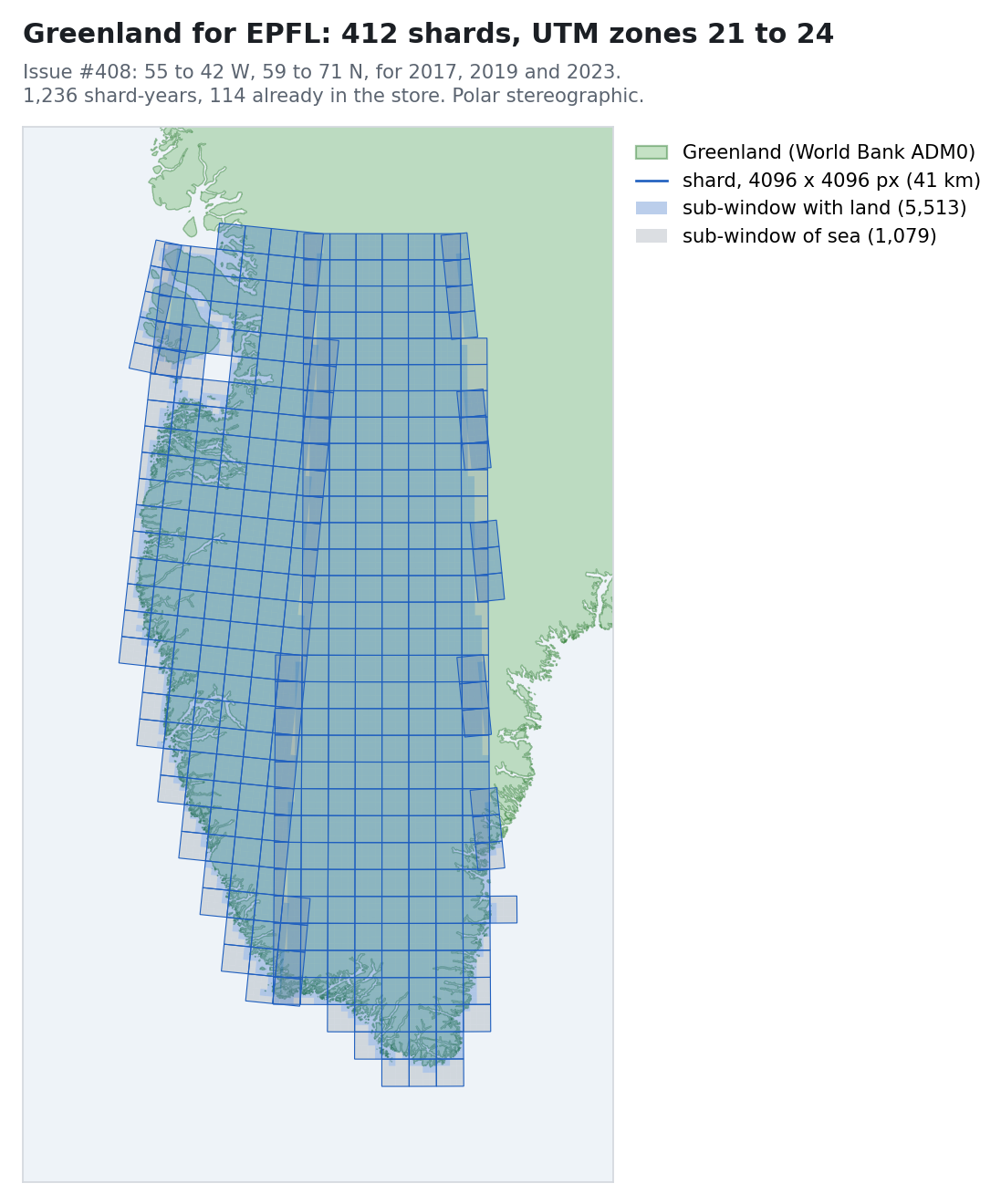
Fast Tessera inference that brings one Xeon node level with a GPU; reverse dependencies in day10; Windows, macOS and FreeBSD worker updates and a new ad hoc pipeline engine.
Michaelmas term restarts, with Forester replacing my traditional printed FoCS notes, GeoTessera is now wall-to-wall across dual Zarr/Icechunk stores, and a trip to Oxford's Intelligent Earth CDT.
Code navigation is one of those aspects of programming that can either make your experience significantly better, or be such a pain. Most of the time we navigate code as text, i.e, searching with regexp, jumping by lines or moving word by word. But code isn't text. It has syntactic structure, and being aware of that structure when moving and editing opens up a different way of working. This is what structural navigation and editing means: operating on the actual constructs of a program; expressions, bindings, match arms, module definitions, etc, instead of characters and lines. We have recently improved navigation in OCaml/Oxcaml with Combobulate support, and this post will get you up-to-speed on what’s new, how it works, and where to try it out! What Has Structural Navigation in OCaml Looked Like Until Now? OCaml already has a substrate of structural navigation through Merlin (and by extension OCaml-LSP). The jump command gives you a limited form of structural movement such as jumping to the next let, match, module, and a few other constructs. It is useful, but it's a small subset of what structural navigation could be. Previously, this limitation motivated the GopCaml project, which took a more ambitious approach to structural editing for OCaml by working directly with the compiler's AST. More recently, tree-sitter has introduced a generic abstraction over syntax. Given a tree-sitter grammar for a language, you get an incremental parser that produces a concrete syntax tree you can query and traverse. OCaml has a tree-sitter grammar which is already used in, for example, neocaml-mode where it provides syntax highlighting. Tree-sitter can be seen as the syntactic counterpart to LSP: where LSP standardizes semantic features, Tree-sitter provides a common protocol for syntax. Much like TextMate grammars provided a generic way to handle syntax highlighting across editors, Tree-sitter gives editors syntactic tools such as highlighting and navigation. Combobulate by Mickey Petersen takes tree-sitter in a different direction: it uses the syntax tree for structural navigation and editing. It's a minor mode for Emacs that supports many languages, and it now supports OCaml. Why Does Combobulate Matter for OCaml? OCaml code nests very deeply. Modules contain structures, structures contain let bindings, let bindings contain match expressions, and match cases can contain further match expressions. Type declarations can define records, variants, and GADTs in a single type ... and ... block. Many of these constructs can recurse into each other with no fixed limit; this is part of what makes OCaml expressive, but it also means that even a small OCaml file produces a deep and wide tree-sitter parse tree. Implementing structural navigation for OCaml is harder than for most languages precisely because of this: the procedures that tell Combobulate how to pick the right node at any point have to account for potentially infinite nesting at every level. This is also why line-based movement becomes incredibly slow and unreliable. Jumping to the next let with an incremental search won’t help when there are six of them nested within each other. This is why structural navigation, which helps us move by the structure of the code, and the relationships between different nodes in the tree, feels natural and makes a real difference. Combobulate is an important addition to the OCaml ecosystem because it perfectly complements tools like Merlin and OCaml-LSP. While Merlin is great for semantic intelligence, type checking, autocomplete, and jumping to definitions, its structural navigation features (like the jump command) are limited. By letting Combobulate handle the purely syntactic, structural movement and editing, the two tools work together to provide a comprehensive editing experience: Merlin understands what your code means, while Combobulate understands its shape. Navigating OCaml with Combobulate Once Combobulate is active in your OCaml buffer, you should see a © in the mode line. There is a Magit-style transient UI bound to C-c o o that lists every binding, which is handy while you're learning. To inspect the full keymap directly, run M-x describe-keymap RET combobulate-key-map. With Combobulate, you have different commands to navigate your code in a variety of ways: jumping between siblings, jumping between occurrences of words, traversing the node tree sequentially, and more. Navigation Commands Binding Summary What it does C-M-u / C-M-d Up/Down into list Move in/out to the parent/child node. C-M-n / C-M-p Forward/Backward sibling Move to the next/previous sibling at the current level. M-e / M-a Logical next/previous Jump to the next/previous logical node, regardless of nesting. M-n / M-p Sequence navigation Move between paired sequence points (e.g., jumping from the word let to the next occurrence of let). C-M-a / C-M-e Move to the start/end of defun Move to the beginning/end of defun. This is based on best-effort. In nested let bindings, it doesn't work very well. Navigation Examples Combobulate primarily handles code navigation in terms of two axes: Vertical/Hierarchical (Parents and Children): Moving "up" (C-M-u) leaves the current node for its enclosing parent, while moving "down" (C-M-d) descends into the child node at the cursor. Horizontal (Siblings): Moving forward (C-M-n) or backward (C-M-p) hops between sibling nodes at the same syntactic level, such as adjacent match cases, list elements, or record fields. When hierarchical or sibling navigation isn't enough, Combobulate also offers logical navigation (M-e / M-a). Rather than being constrained to direct parent-child or sibling relationships, logical navigation moves sequentially across nodes in their logical reading order—allowing you to cross operator boundaries or escape deeply nested subtrees. Simple Examples Navigating down into a body (C-M-d) "Down" means entering whatever node the cursor is sitting on. The clearest case is descending from a module declaration into its contents: module Counter = struct let value = 0 let bump x = x + 1 end Place the cursor on module. Press C-M-d thrice and the cursor moves to let value = 0. Press C-M-d again and you descend further, into the binding itself. Navigating up to the parent (C-M-u) "Up" is the inverse: leave the current node and land on its enclosing parent. Suppose the cursor is on the number 100 inside a record: let player = { name = "Ada"; score = 100 } C-M-u jumps to the whole field score = 100. Press it again to land on the record { ... }. To move from 100 directly to the let keyword, use C-M-a. Navigating siblings (C-M-n / C-M-p) Siblings are nodes at the same level, like match cases, tuple components, record fields, and array elements. Take a match expression: match shape with | Circle r -> pi *. r *. r | Square s -> s *. s | Triangle (b, h) -> 0.5 *. b *. h Place the cursor on the first match arm (Circle r -> ...). C-M-n moves to Square s -> .... Again to Triangle .... C-M-p walks back. Complex Examples Using only parent-child or sibling navigation is not always sufficient to navigate OCaml code efficiently. Because OCaml's deep nesting can lead to highly nested concrete syntax trees, you need a few more tools in your belt to avoid getting stuck. Example 1: Using next-sequent (M-n) and prev-sequent (M-p) In subsequent let...in bindings, parent-child/sibling navigation is insufficient and unreliable due to how let...in is represented as deeply nested subtrees in the tree-sitter grammar. Each successive binding is actually a child of the one before it, meaning C-M-p won't walk backwards up the chain. Instead, use sequence navigation to hop directly from one let to the next and back. let emit_string_table_section fmt section_name (table : Dwarf_write.string_table) = let buf = Buffer.create 64 in let contents = Buffer.contents buf in let i = ref 0 in let len = String.length contents in while !i < len do let start = !i in while !i < len && contents.[!i] <> '\x00' do incr i done; let s = String.sub contents start (!i - start) in emit_asciz fmt s; if !i < len then incr i done If we want to move from the let-binding on line 3 to the let-binding on line 6, sequence commands M-n and M-p let you jump forward and backward easily. Example 2: Using logical-next (M-e) and logical-prev (M-a) if (x = 1) then true else false When the cursor is on if, you can do C-M-d to go to the parenthesis (, then C-M-d again to enter x, or C-M-n to go to then and else. However, if we have the same code without the parenthesis: if x = 1 then true else false There is no direct sibling relationship to go from x to then using C-M-d or C-M-n. In this case, we use logical-next (M-e) to cross the operator boundary and jump directly to the then branch. Logical next/prev allows you to move to the next node in the tree irrespective of their parent/sibling relationships. It is also incredibly helpful for passing over ->, =, and other operators. Example 3: Escaping Deep Subtrees If you are at the end of a long top-level item and want to navigate to the beginning of the next top-level item, use logical-next (M-e). If you try to use forward sibling navigation (C-M-n) from the end of the item, the cursor won't move at all since you are deep inside a nested subtree with no siblings to your right. Using M-e lets you jump out of the subtree instantly to the next top-level construct. Editing Commands Because Combobulate's editing commands are built on top of its navigation primitives, particularly sibling navigation, they all work in OCaml without any extra configuration. If you can navigate between two nodes, you can edit them. Binding Summary What it does C-c o e Envelope prefix Apply a code template (envelope) at the cursor. Press C-h after to see what's available in this context. M-h Expand region Mark the current node. Repeat to expand the region to the parent iteratively. C-M-h Mark defun Mark the current enclosing defun. Repeat to expand to the next enclosing defun iteratively. M-N or M-S-n Drag forward Swap the current node with its next sibling, preserving formatting. M-P or M-S-p Drag backward Swap the current node with its previous sibling. C-c o c Clone node dwim Duplicate the node at cursor. If ambiguous, you cycle through candidates with a live preview (the carousel). C-c o t Place cursors Place multiple cursors (or field-editor fields) at every related sibling; e.g. each element of an array, each field in a record. Editing Examples Expanding the region (M-h) Each press grows the selection to the next syntactic unit. Starting on r inside a function call: let area = pi *. r *. r M-h once → selects r. M-h again → selects pi *. r *. r. M-h again → selects the whole let binding. M-h displays numbers indicating where the next enclosing region starts, helping you visualize where the cursor will move if you perform a hierarchy-up navigation. Unlike Merlin's type-enclosing (which operates on typed AST expressions and requires code to typecheck), Combobulate's expansion is purely syntactic: it operates on any concrete syntax node (including patterns, type declarations, and comments) even when the code is incomplete or doesn't compile. Expanding an envelope (C-c o e) Envelopes are context-aware templates. Press C-c o e then C-h to see what's available. For example, to add a module template: Place your cursor where you want to add the template. Press C-c o e to list all available templates. Press M to activate the modules template. The template will be added with name as an editable hole: module name = struct end Press TAB to jump between holes. Adding multiple cursors (C-c o t) Cursors land on every sibling at the current level. This is perfect for bulk-editing collections. Place the cursor on any element of an array: let primes = [| 2; 3; 5; 7; 11 |] Press C-c o t t and a cursor is placed on each element. Anything you type happens to all five at once! Swapping siblings — drag forward / backward (M-N / M-P) Drag transposes the node at the cursor with its neighbor, preserving formatting. Useful for reordering elements or record fields: let primes = [| 2; 3; 5; 7; 11 |] With the cursor on 2, press M-N (or M-S-N) to swap them: let primes = [| 3; 2; 5; 7; 11 |] Cloning a node (C-c o c) Duplicates the node at the cursor. On a record field: type user = { name : string; age : int; } Place the cursor on name : string and press C-c o c to duplicate it seamlessly. Inspection & Search Binding Summary What it does C-c o B q Query builder Open the interactive tree-sitter query builder, with completion and highlighting, for ad-hoc searches and bulk edits. Query Builder Example Open a live tree-sitter query builder with C-c o B q. If you have value_definitions in your file, you can underline all of them with a blue line using the query: (value_definition) @hl.blue.underline Setup Since Combobulate is built on tree-sitter you will need Emacs 29 or later, as that's when built-in tree-sitter support landed. Install Combobulate from the master branch and add the OCaml grammars to your config file. To get started with OCaml, add the OCaml grammars to your config file: (setq treesit-language-source-alist '((ocaml . ("https://github.com/tree-sitter/tree-sitter-ocaml" "v0.26.0" "grammars/ocaml/src")) (ocaml_interface ("https://github.com/tree-sitter/tree-sitter-ocaml" "v0.26.0" "grammars/interface/src")))) Run M-x treesit-install-language-grammar for each. Combobulate can be used with either neocaml-mode or tuareg-mode or tuareg-interface-mode as your major mode. When it's working you'll see © in the mode line, and C-c o o opens the full command palette. Try it out Open up a project you are working on. Place your cursor on a case in a match expression and try to teleport to the next sibling. You can check out the PR adding OCaml support and the PR adding OxCaml support in the Combobulate repo to explore the implementation process in more detail. Feedback Welcome OCaml's syntax is flexible enough that there isn't always one obvious answer to "what should the next sibling be?" or "what counts as descending one level?". We had to make judgment calls on a number of corner cases, like what sibling navigation does inside a type ... and ... block, how hierarchy behaves around functors, where sibling navigation should land in deeply nested expressions. We're happy with the choices we made, but we know they won't match everyone's expectations perfectly. If something feels off in your workflow, or you think a particular movement should behave differently, we'd like to hear about it. Open an issue on the Combobulate repo, make a post on Discuss, or contact us to let us know. Stay in touch with us on Bluesky, Mastodon, and LinkedIn or sign up to our mailing list to stay updated on our latest projects. We look forward to hearing from you!
Summary of a small discussion on how to track, at type level, whether a list is constructed forwards or backwards. It remains to be seen whether this will be useful in everyday life, but the proposal is driven by a specific issue.
2nd release elm_playground (a game engine for beginners)moonpool 0.12tw 1.1.0, Tailwind CSS in OCamlCascade: A Typed CSS Toolkit in OCamlppx_deriving_{yaml,ezjsonm,yamlx} 0.5.0kqueue-ml 0.5.0Windtrap: one library for all your OCaml testsOcsigen Server 8.0.0
The icechunk to zarr conversion finished, although not when I said it had; benchmarking Tessera inference on Intel’s AMX silicon; and day10 spreading to four architectures while finding real bugs.
Reflections on the end of my sabbatical, with a reading list on societal change, Tessera's embeddings finish converting, Scrutineer continues to find security fixes galore, good news from Scotland.